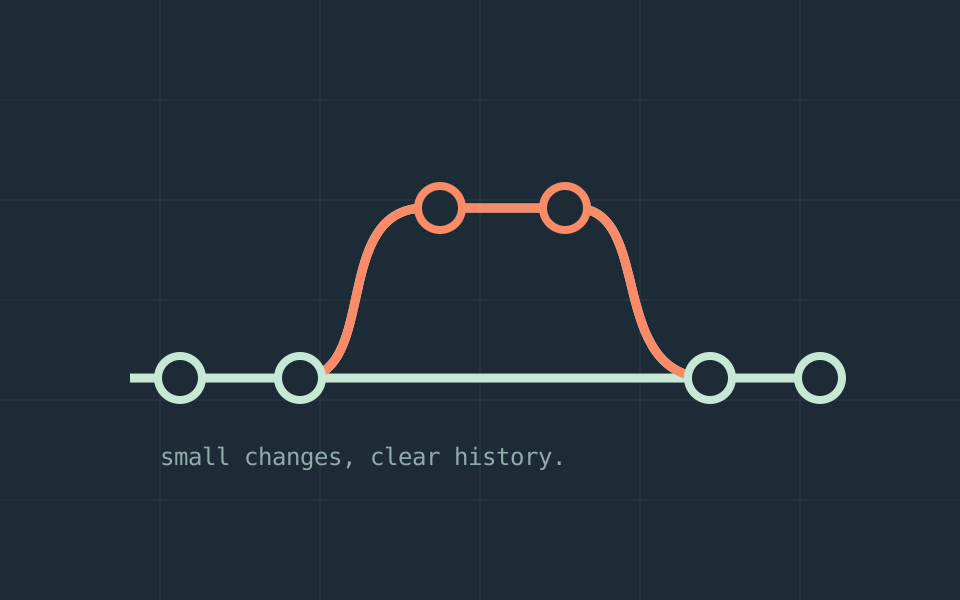
Version control is most useful when it explains a change clearly. For a small project, a short routine can make that possible: understand the starting point, make one coherent change, inspect it, and record the reason. The routine matters more than an elaborate branching diagram.
Look before you edit
Check the working tree before starting. Existing edits may be unfinished work that should not become part of your change. Read the nearby code and any project instructions before choosing how to implement the task.
git status
git diffDecide what belongs in the current task. If you discover another problem, record it separately unless fixing it is necessary for the original change.
Keep the change coherent
A coherent change has one reason to exist. It can span several files if those files implement the same behavior. Conversely, a single file can contain several unrelated changes that deserve separate attention.
Avoid mixing a small behavior fix with broad reformatting. Extra movement makes the important lines harder to review and increases the work required to understand a future regression.
Review the result, not just the intention
Do not assume a file is safe because it is untracked. Decide what should be included before staging. Keep secrets outside the repository and follow the project's own contribution rules.
- Inspect the final diff for accidental edits.
- Run the checks relevant to the behavior you changed.
- Look for credentials, personal data, and temporary files.
- Describe the observable outcome and any remaining limits.
Record why it changed
When you are ready to commit, write a message that explains the behavior or problem addressed. A future reader needs more than a list of file names. Keep the scope small enough that the message remains accurate.
Publishing to a remote repository is a separate action. Confirm the target branch and collaboration rules before pushing. Avoid destructive history changes in shared work unless the team has agreed on them.