A useful workflow is a sequence you can repeat and explain. Adding AI to an unclear process can make the confusion happen faster. Start by describing one repeatable task on paper. Then decide which step benefits from assistance and which step still needs a person.
Start with a dependable input
Choose where the material comes from, what it must contain, and what should be excluded. For a weekly project update, the input might be a set of approved notes. Missing owners and dates should remain visible as gaps.
Keep private or sensitive material out of tools that are not approved for it. Reducing unnecessary input also makes the output easier to trace back to the source.
Draft against a stable template
Use the same output structure across runs. For example, ask for completed work, next commitments, blockers, and questions. A consistent structure helps you compare outputs without asking the model to copy last week's facts.
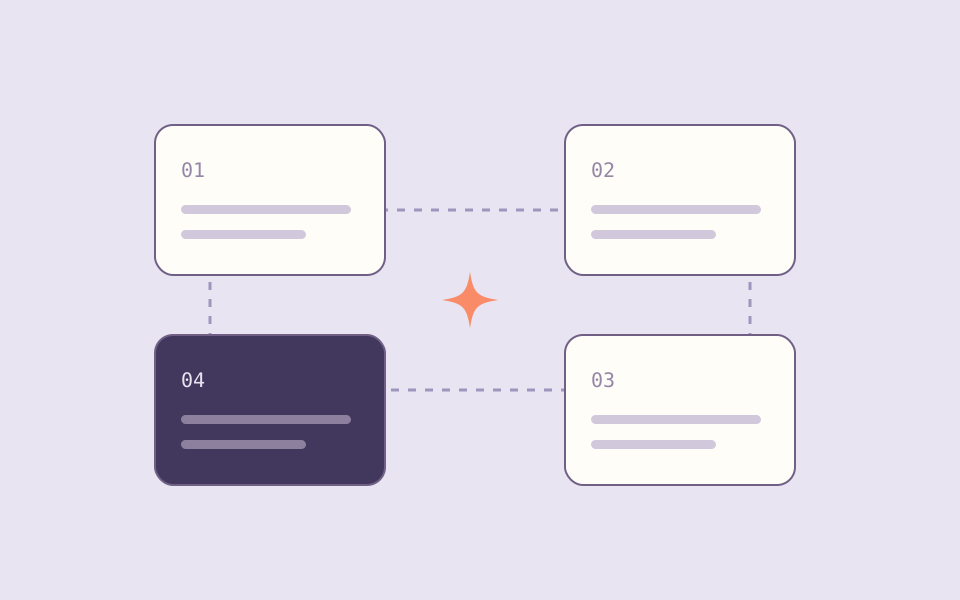
1. Input: Approved project notes
2. Draft: Update in the agreed format
3. Check: Facts, owners, dates, omissions
4. Decide: Edit and approve for the audience
5. Record: Keep the approved result and open questions
Give the check its own step
Check the result against the input rather than asking whether it sounds professional. Verify decisions, ownership, and dates. Remove unsupported additions even if they make the update sound more complete.
When a check fails, return to the relevant step. A missing source fact is an input problem. An omitted section may be a template problem. Treating both as a reason to rewrite the whole prompt obscures what happened.
Automate after a few useful repetitions
Run the sequence manually until you understand where it breaks. Then automate the predictable handoffs. Keep approval before publication or other consequential actions when the task needs it.
Store the approved output and unresolved questions in a place the team already uses. A workflow succeeds when the next person can use the result, not when another automation dashboard has a green check.